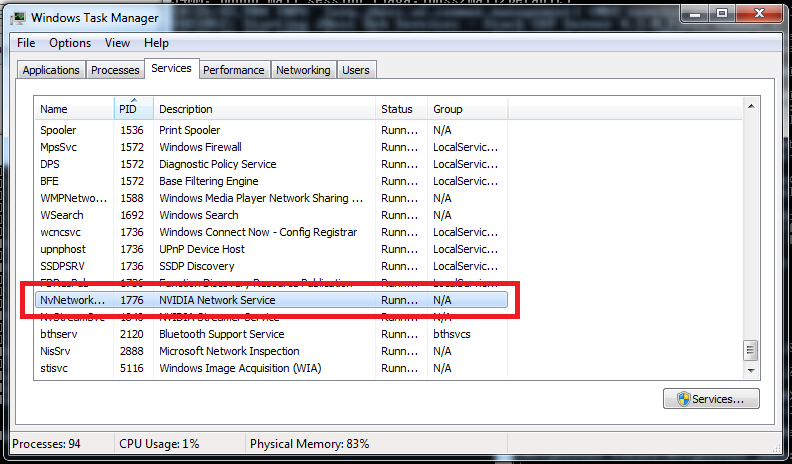
Find the process using a specific port by Andrey Voev on December 2, 2014 in Windows • 14 Comments From an elevated prompt run [ps]netstat -aon | findstr :9990[/ps] That will give you the offending PID: [ps]TCP 127.0.0.1:9990 0.0.0.0:0 LISTENING 1776[/ps] Quick check in Windows Task Manager will give you the process that is currently using the port so you can shut it down from there if need be.

14 comments for “Find the process using a specific port”